Smartphone Astrophotography
Explore 6 fascinating articles about smartphone astrophotography
Capture the cosmos with your mobile phone. Learn settings, setups, and tricks to take stellar night photos using just your smartphone.
All Articles (6)
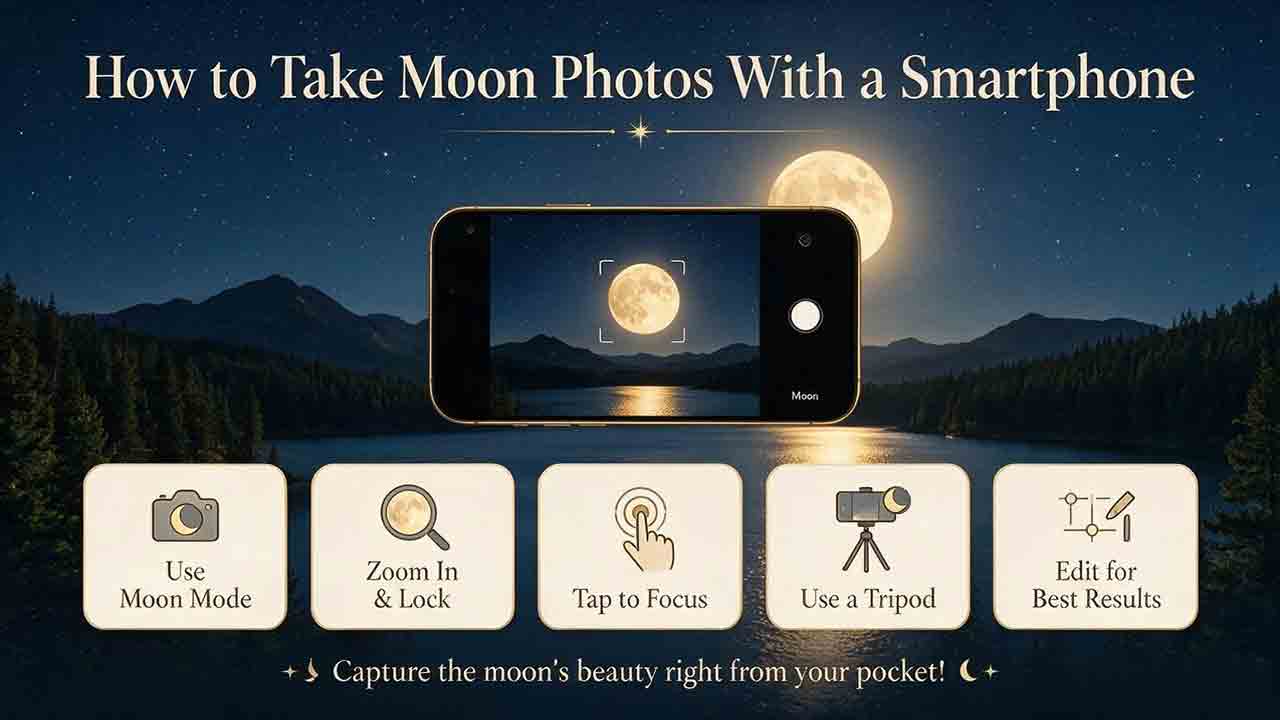
How to Take Moon Photos With a Smartphone
Clear smartphone Moon photos depend on real image scale, stable support, accurate focus, and reduced exposure rather than maximum digital zoom or a long Night-mode capture. This guide explains how to photograph the Moon with a phone alone, on a tripod, or through a telescope eyepiece using an afocal smartphone adapter. Readers learn how lunar phase and the terminator affect visible detail, how to choose between optical and digital zoom, how to lock focus and exposure, and how to prevent white disks, blur, vignetting, drift, and color fringes. It also provides practical settings principles, telescope magnification examples, still-versus-video guidance, frame-stacking basics, three real-world workflows, restrained editing recommendations, and a complete field checklist. The central recommendation is to start at low magnification, preserve lunar highlights, capture multiple frames, and keep original files.
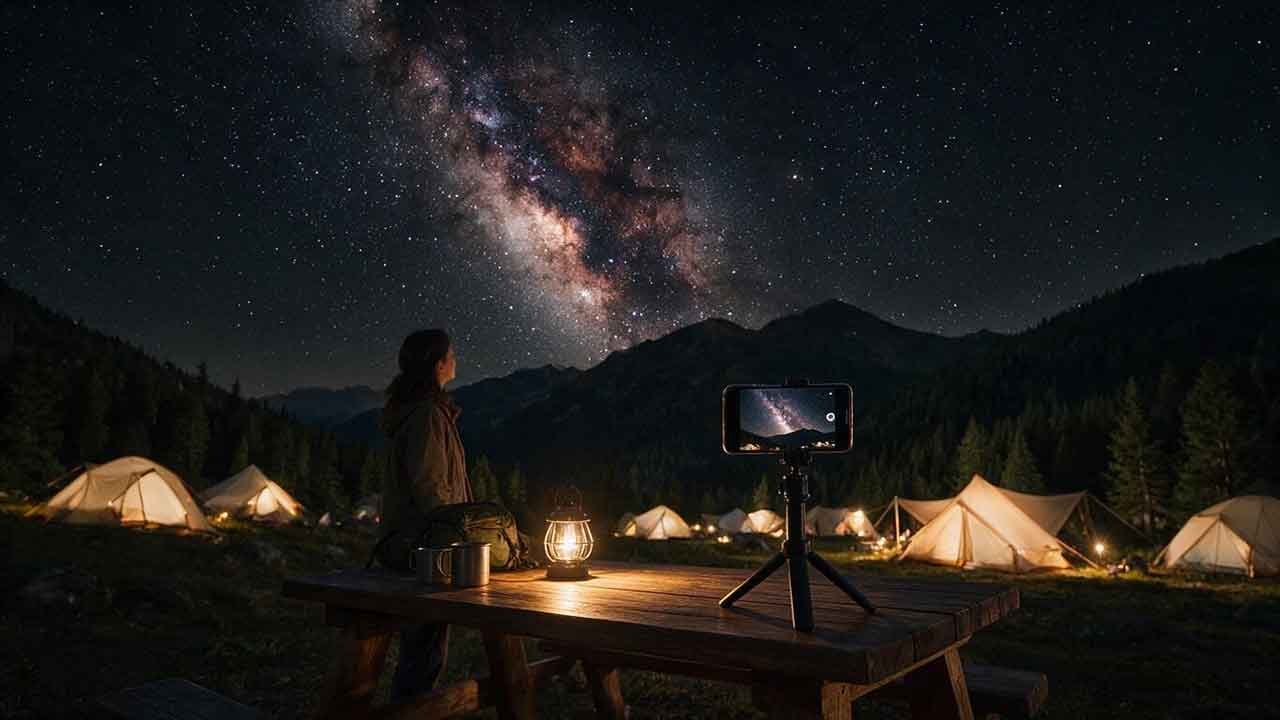
Can a Smartphone Photograph the Milky Way?
Yes, a supported smartphone can photograph the Milky Way when the galactic band is above the horizon, the sky is dark and clear, and the phone remains stable during a long or multi-frame capture. This guide explains how to determine whether the Milky Way will be visible, how moonlight and light pollution affect contrast, and how iPhone Night mode, Google Pixel Astrophotography, Samsung Expert RAW, and other Android camera systems differ. Readers receive separate device workflows, a Milky Way readiness scorecard, an exposure-testing table, focus and composition instructions, RAW and processed-file guidance, point-star stacking and storage calculations, a decision tree, real-world scenarios, a complete field checklist, common mistakes, and troubleshooting steps. The article avoids universal camera settings and does not claim that every phone was tested.
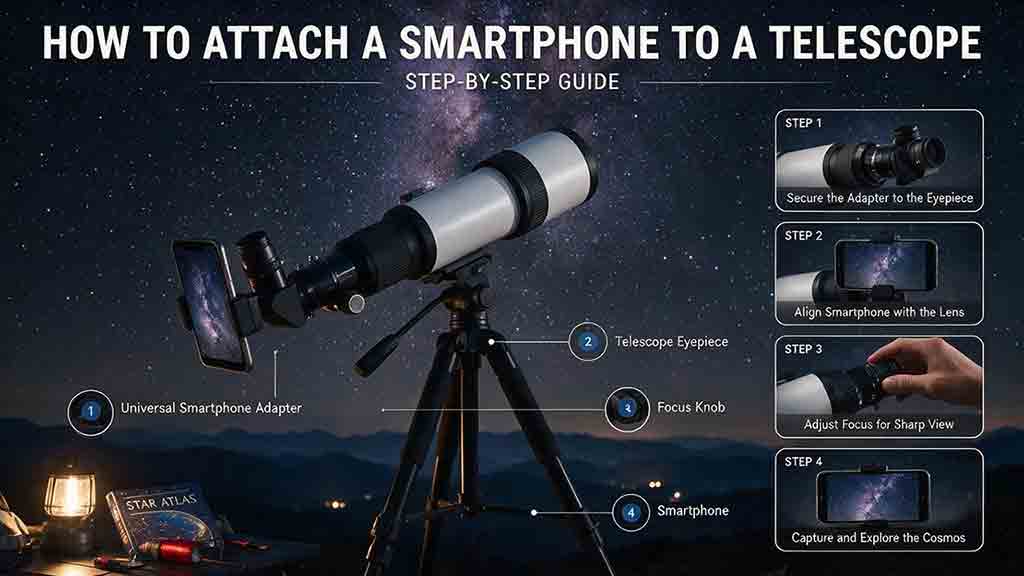
How to Attach a Smartphone to a Telescope
Attaching a smartphone to a telescope requires more than centering a camera over an eyepiece. The phone, adapter, eyepiece, focuser, diagonal, mount, and tripod form one mechanical load chain that must remain secure and balanced. This guide explains afocal imaging, exit pupil, eye relief, vignetting, adapter types, phone and eyepiece compatibility, active-camera selection, low-power eyepiece choice, three-axis alignment, telescope rebalancing, focus, exposure, and safe removal. It provides step-by-step instructions for refractors, Dobsonians, and diagonal-equipped telescopes, plus real-world Moon and Jupiter workflows, an adapter decision framework, troubleshooting for black circles, blur, lens switching, slipping, and focus failure, and a complete attachment checklist. The central recommendation is to align at low power, support the phone during every clamp adjustment, and verify the entire load path before capture.
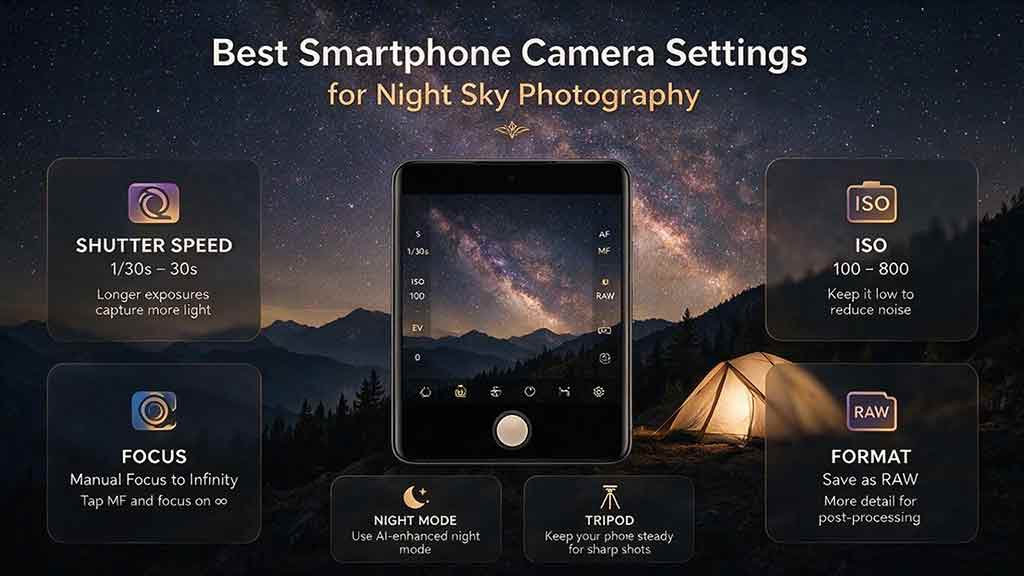
Best Smartphone Camera Settings for Night Sky Photography
The best smartphone night-sky settings are not one fixed preset. They depend on the phone’s camera module, computational processing, sky brightness, Moon phase, and target motion. This guide recommends beginning with the main wide camera, rigid tripod support, locked distant focus, an 8–15 second exposure, ISO 800–1600, and fixed white balance around 3,500–4,500 K, then refining those values with structured exposure and ISO ladders. It provides separate starting ranges for the Milky Way, constellations, urban stars, meteor showers, aurora, moonlit landscapes, and star trails. Readers also learn when to use automatic astrophotography mode, Pro mode, RAW, and stacking; how to diagnose blurry stars, washed-out skies, focus failure, and exposure limits; and how to edit and disclose composites responsibly.
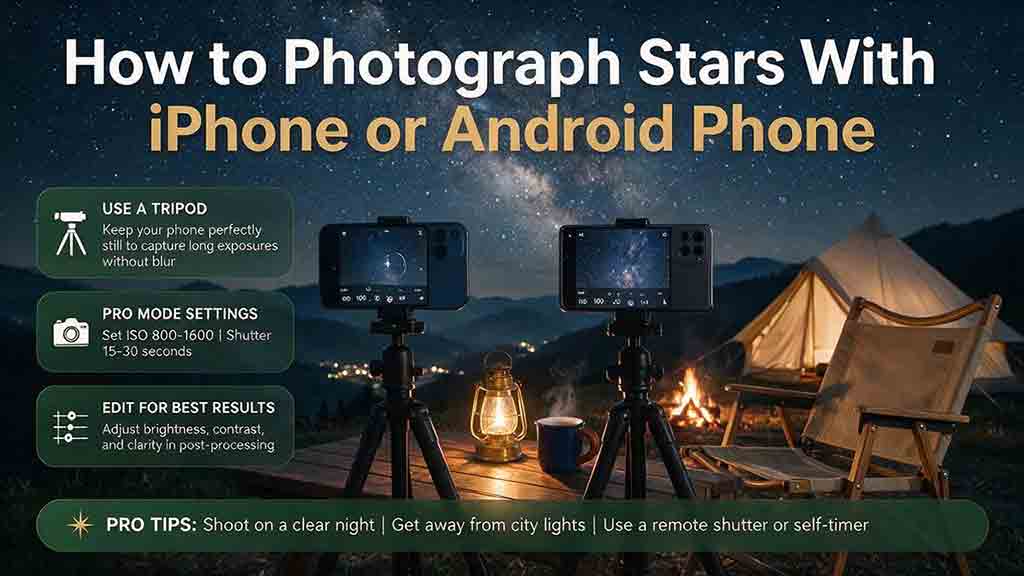
How to Photograph Stars With an iPhone or Android Phone
Photographing stars with a smartphone requires a stable phone, a clean main camera lens, a dark and safe location, accurate focus, and either an automatic night-sky mode or documented manual controls. This guide provides separate workflows for iPhone Night mode, Google Pixel Astrophotography, Samsung Expert RAW, and other Android Pro modes without assuming that every device has the same features. Readers learn how to plan around clouds, moonlight, light pollution, wind, battery, and storage; test exposure with a controlled ladder; focus on stars; capture the Milky Way, constellations, and intentional star trails; choose RAW or processed files; stack multiple frames; and edit without creating misleading results. The original SCOPE framework, decision tree, practical scenarios, field checklist, common mistakes, frame-count examples, and troubleshooting table help beginners build a repeatable smartphone astrophotography workflow.
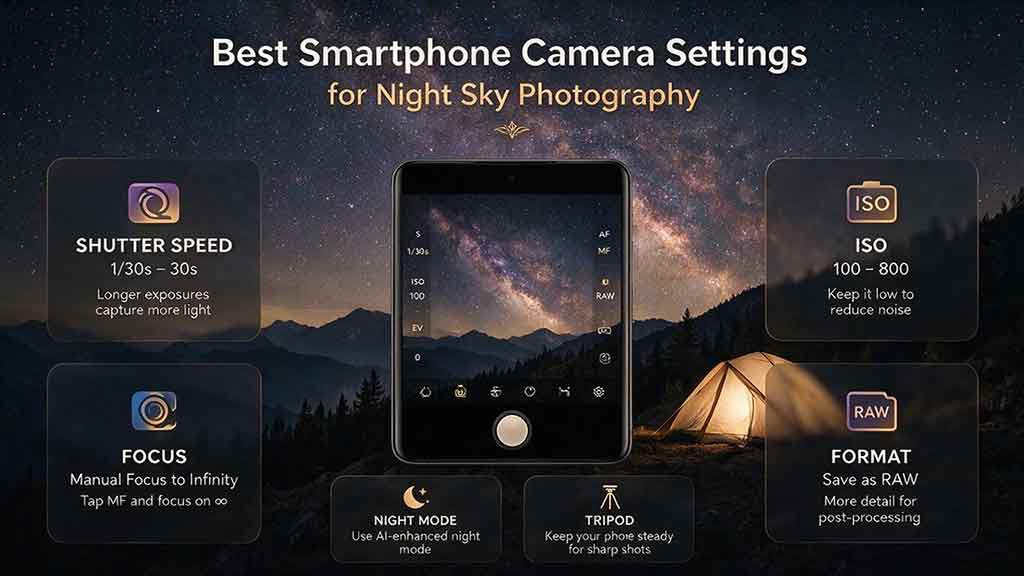
Best Smartphone Camera Settings for Night Sky Photography
The best smartphone night-sky settings are not one fixed preset. They depend on the phone’s camera module, computational processing, sky brightness, Moon phase, and target motion. This guide recommends beginning with the main wide camera, rigid tripod support, locked distant focus, an 8–15 second exposure, ISO 800–1600, and fixed white balance around 3,500–4,500 K, then refining those values with structured exposure and ISO ladders. It provides separate starting ranges for the Milky Way, constellations, urban stars, meteor showers, aurora, moonlit landscapes, and star trails. Readers also learn when to use automatic astrophotography mode, Pro mode, RAW, and stacking; how to diagnose blurry stars, washed-out skies, focus failure, and exposure limits; and how to edit and disclose composites responsibly.